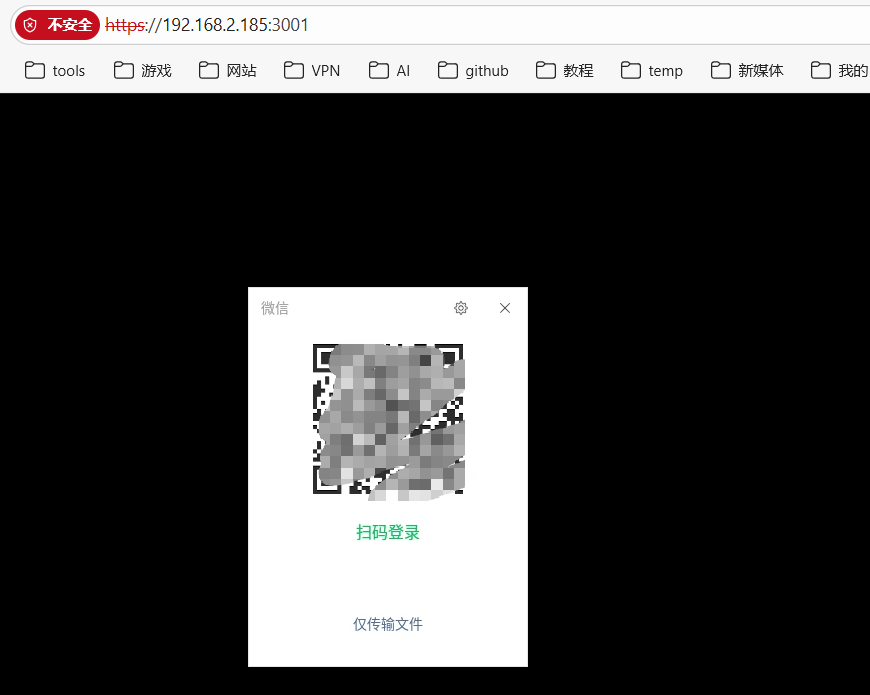
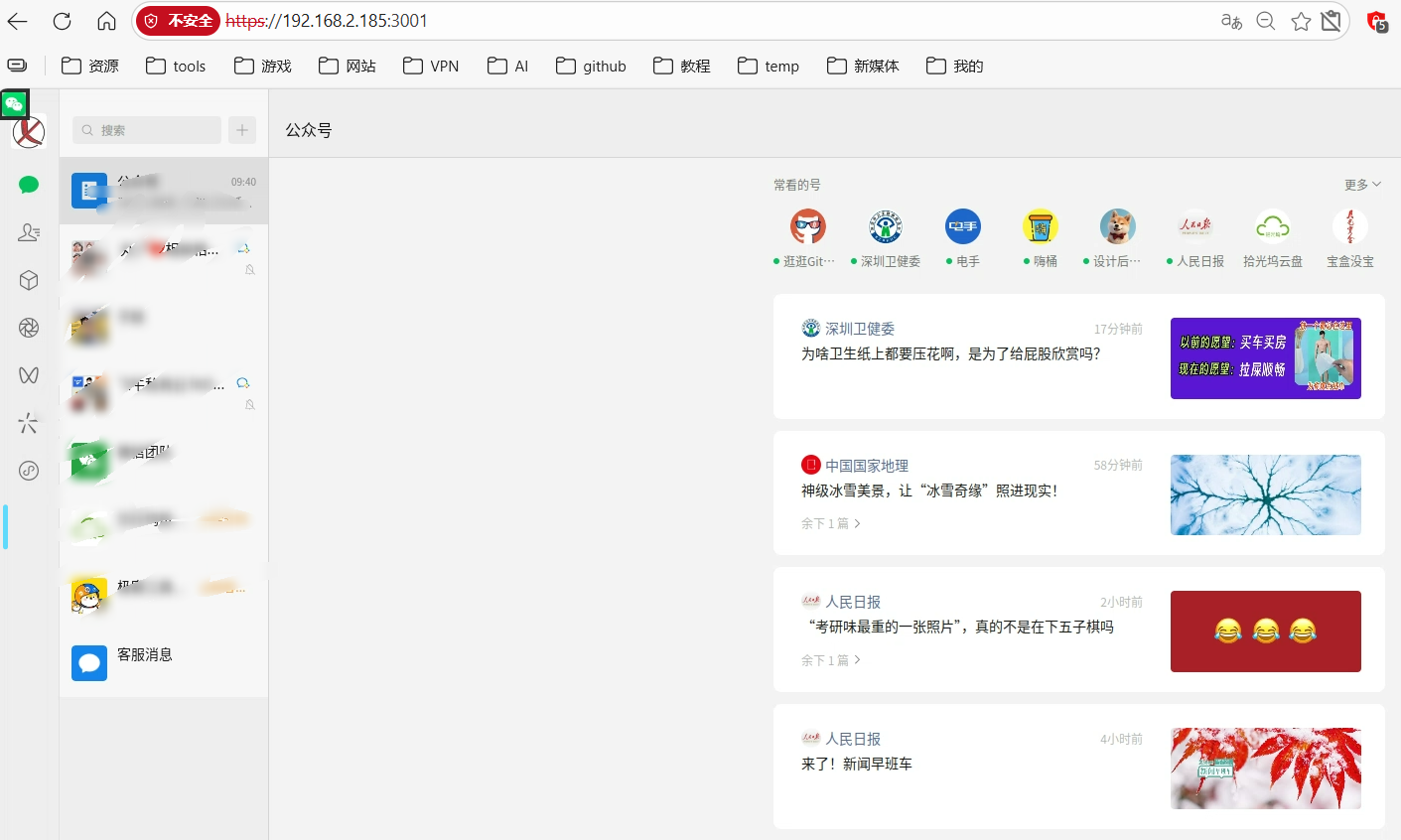
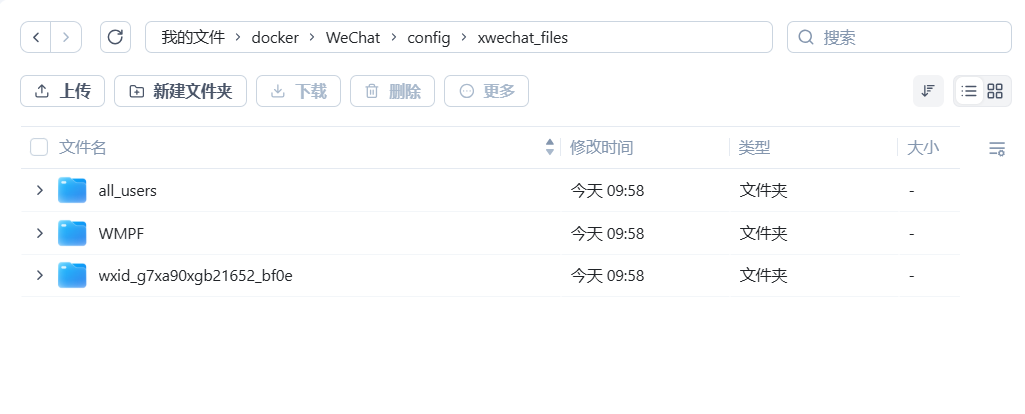
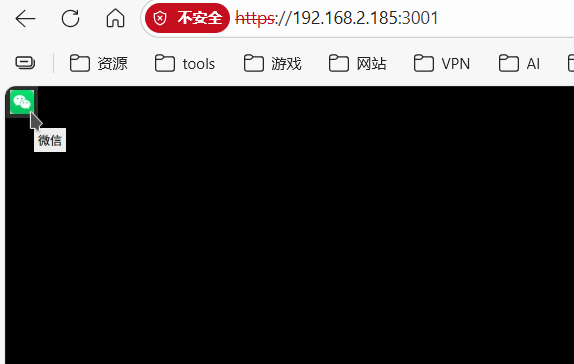
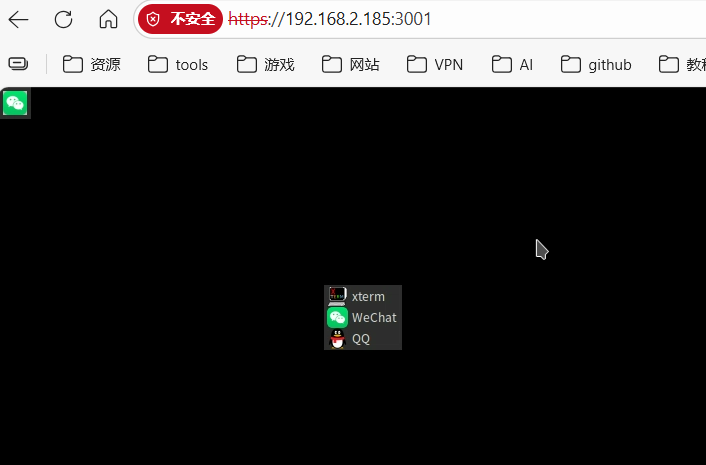
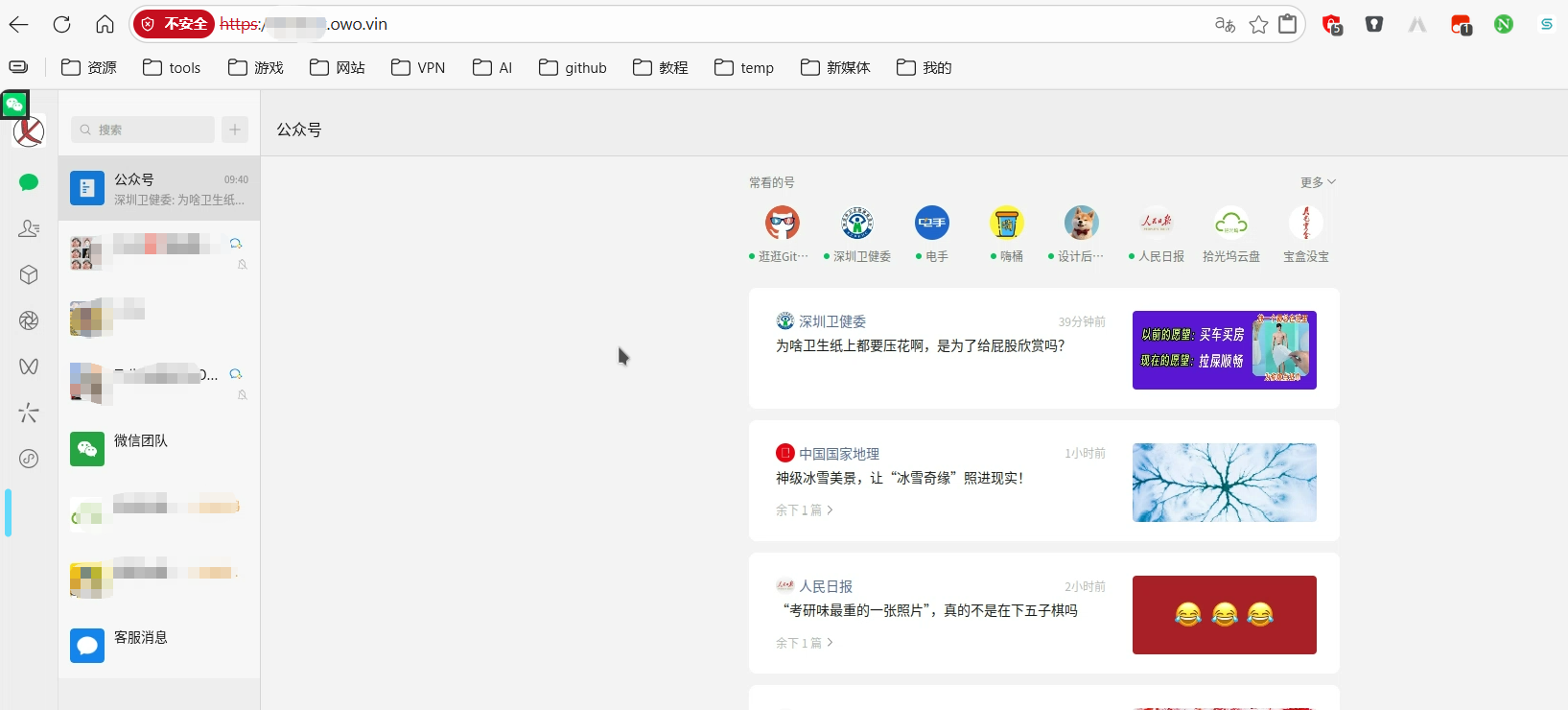
本项目将官方微信/QQ Linux 客户端封装在 Docker 容器中,通过 Selkies 技术实现在浏览器中直接使用微信/QQ,无需在本地安装微信/QQ 客户端。适用于服务器部署、远程办公等场景。
安装步骤
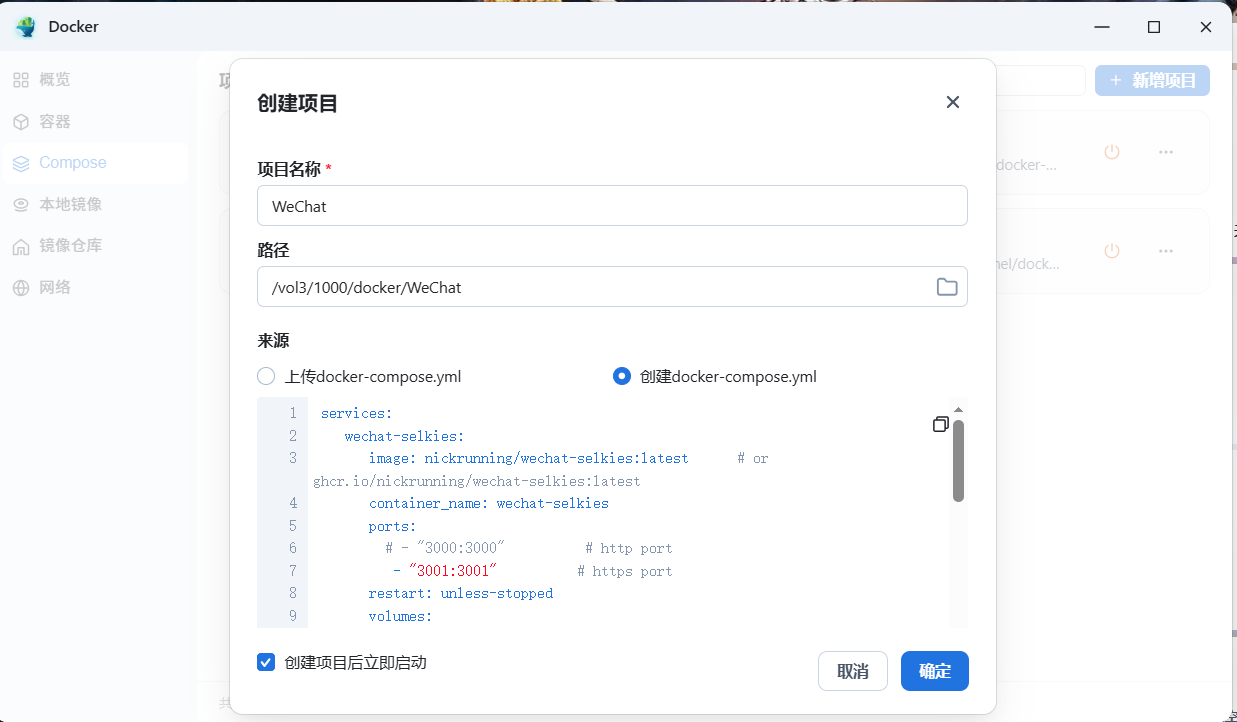
我选择Docker Compose部署方案
YAML
services:
   wechat-selkies:
     image: nickrunning/wechat-selkies:latest    # or ghcr.io/nickrunning/wechat-selkies:latest
     container_name: wechat-selkies
     ports:
      # - "3000:3000"       # http port
       - "3001:3001"       # https port
     restart: unless-stopped
     volumes:
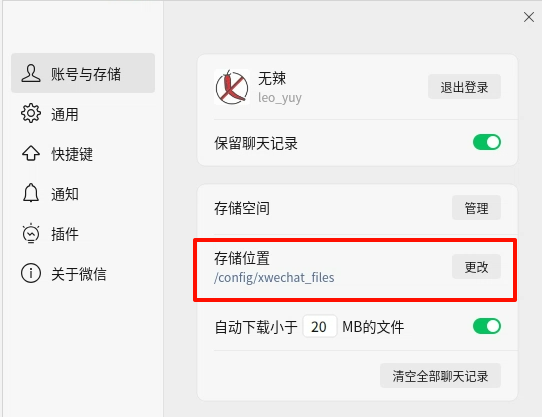
       - ./config:/config
     devices:
       - /dev/dri:/dev/dri # optional, for hardware acceleration
     environment:
       - PUID=1000                    # user ID, set according to your system
       - PGID=100                     # group ID, set according to your system
       - TZ=Asia/Shanghai             # timezone, set according to your timezone
       - LC_ALL=zh_CN.UTF-8           # locale, set according to your needs
       - AUTO_START_WECHAT=true       # default is true
       - AUTO_START_QQ=false          # default is false
       # - CUSTOM_USER=<Your Name>      # recommended to set a custom user name
       # - PASSWORD=<Your Password>     # recommended to set a password for selkies web ui
     shm_size: "1gb"                  # recommended, will improve performance